Building a video and karaoke editor inside WordPress
I wanted a convenient place to manage video projects without tying the work to a particular computer. If the server handled the rendering, I could set a project up from a browser, including on my phone, and let it work in the background. That idea led to an experimental video builder inside the WordPress plugin.
Projects, scenes and rendering
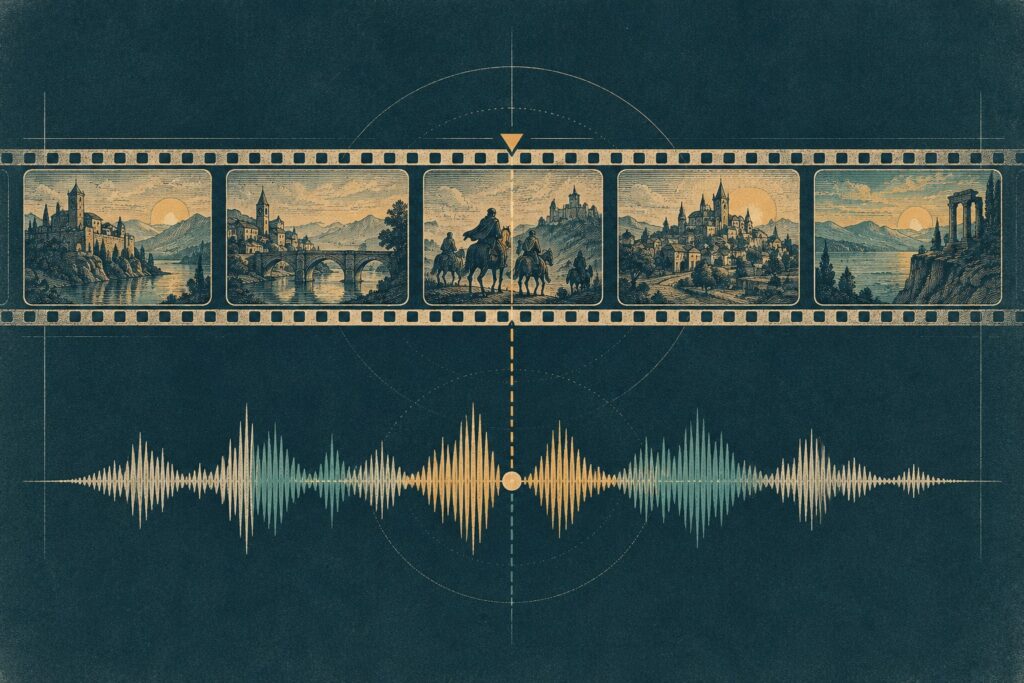
The builder organised a video as a project containing scenes. New projects could start with automatically created scenes, and shared style defaults gave those scenes a common starting point. The editor brought scene settings and preview controls together while the rendering engine assembled the result, including transitions and background audio.
Rendering is not an immediate editor action, so it also needed a way to manage work outside the page. I added job management and a dashboard to expose progress, followed by logging and an archive for completed work. Those pieces matter because a video can continue processing after the person who started it has moved elsewhere in the site.
Speech and alignment
The speech layer introduced provider interfaces and support for generated voice-over. WhisperX was integrated for transcription and alignment, giving the system timing information for captions and lyrics. Alignment needed further fixes; it was not enough to assume that an automatic pass would always put every word in the right place.
A dedicated karaoke editor grew out of that work. It added a full-song preview and controls for manually adjusting lyric alignment, with a preview for checking changes. The distinction is useful: transcription can provide a starting point, while the editor gives me a way to correct timing that does not match the audio.
What happened later
The experiment proved that the server could build videos, but the operational cost made it unsuitable for this shared machine. Without a GPU, a render could take roughly a minute per minute of video while consuming the CPU and slowing the other websites on the server. Speed was not the priority; I would have accepted a slower render if I could have constrained its resource use. I removed the video tools from this plugin and began extracting the idea into a separate project. I may revisit the cloud workflow, but the video system described here is historical and is no longer part of the current plugin.