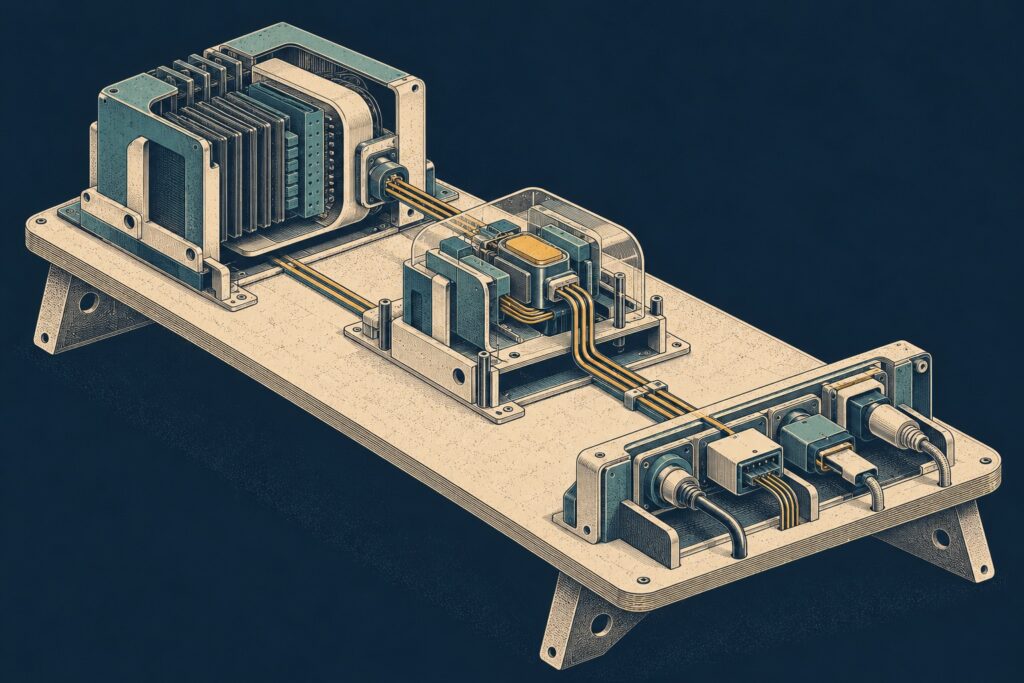
A local AI agent platform, assembled one layer at a time
Once I had decided to explore a complete agent layer, the interesting part was getting the pieces to talk to one another. I built and exercised the proof of concept locally over several intermittent sessions between mid-September and late October 2026. Looking back, the components fitted together more smoothly than I expected, and creating simple agents was quicker than I thought it would be.
A common route to models
LiteLLM sits in front of model access. The platform can refer to model aliases rather than making every agent deal directly with a provider-specific endpoint. In the local setup those aliases can point at a model served by Ollama, and the repository also includes a mock response path for testing.
Having model access in one place made token and cost management easier to reason about. It also gave the agent platform a consistent interface. That doesn’t remove the need to configure models and credentials, but it keeps those details from being duplicated throughout the agents.
Making agents easier to add
I used existing agent tooling for the execution side and built a control plane around it. The repository uses Pydantic AI for agent examples and LangGraph for a workflow example. The latter has a release-verification graph with explicit state, conditional routes and an approval interruption; it is an example of a more structured flow, not evidence that a real release process was exercised.
The early agent work exposed repeated plumbing: model construction, loading prompts, wiring routes, usage recording and creating trace spans. The shared execution path and configuration store brought those concerns together, so an agent could focus more on its own behaviour. Simple agents could look up information and call tools without me writing an entire platform around each one.
There are still trade-offs. The repository’s friction log notes that the shared abstraction was built and exercised against simulated upstreams, without the planned period of real operational use. Timeouts, rate limits and backed-up queues could expose different needs.
Tools through a gateway
The custom MCP gateway is a significant part of the build. It gathers tools from upstream services and presents them through a common interface, with collections controlling which tools an agent can see. It also handles access policies and upstream credentials at the gateway boundary. The intended credential model gives an agent a model gateway key and a tool gateway token, rather than distributing upstream secrets to each agent.
One useful example in the repository is a parameter that the gateway injects into an upstream call instead of exposing it in the tool schema. Another applies an output policy to mask a field in a response. These are local demonstrations of where policy can sit; they don’t establish how the same rules would behave with every real integration.
Seeing the whole path
Langfuse provides the trace view, while Prometheus and Grafana provide metrics and dashboards. I could run agents, inspect the resulting traces and look at MCP calls. The repository also contains small dashboard, app and script examples that call through the same gateway, giving me other ways to exercise the tool layer.
There was plenty of custom work in the gateway and control plane, so this wasn’t simply a matter of installing a few products. What surprised me was how quickly the existing pieces made it possible to get to an agent and follow its journey through the stack. The next question is whether those boundaries hold up when there is a real job to do.